





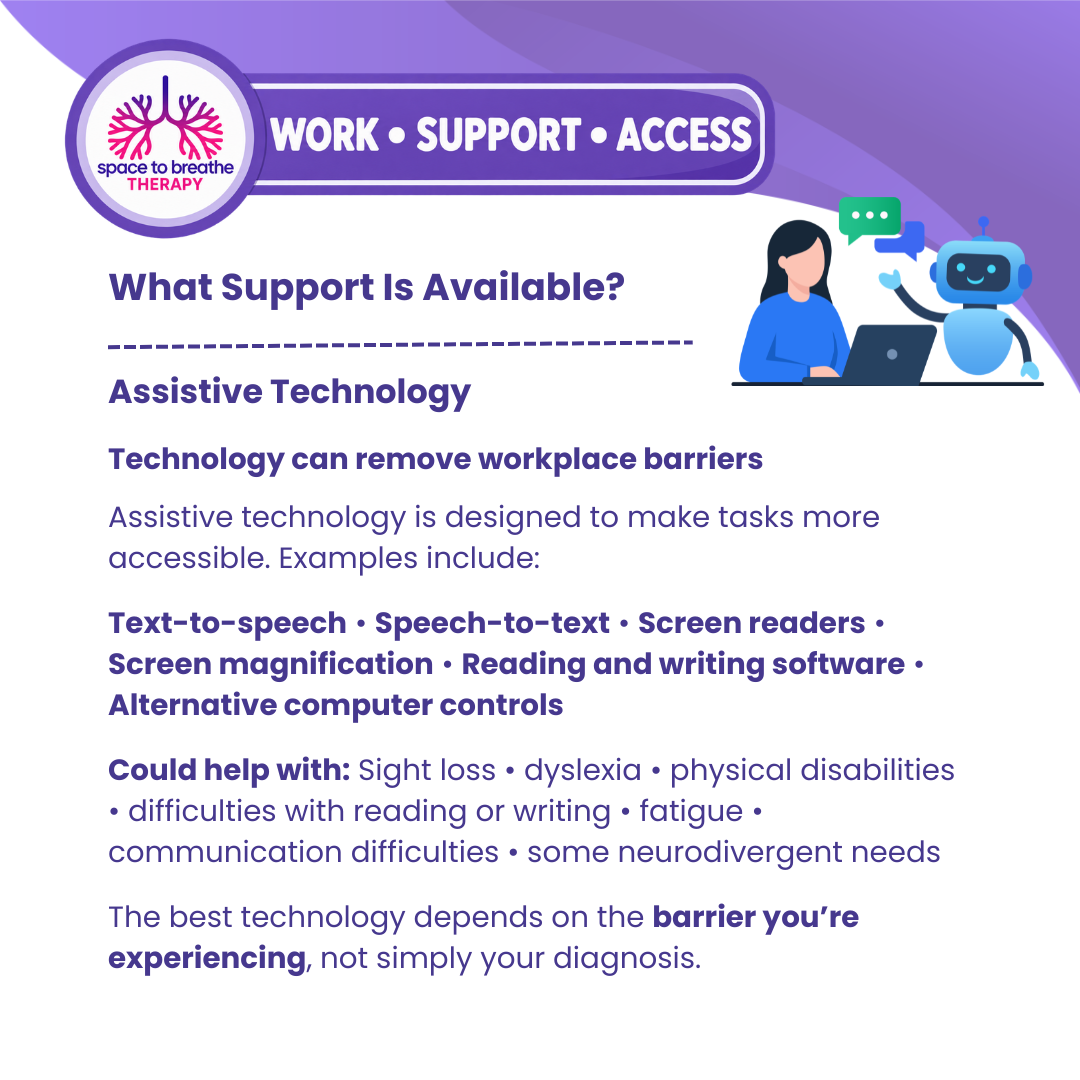
Assistive Technology – Removing Barriers at Work
What this resource is for
Assistive technology can make everyday workplace tasks more accessible, manageable or efficient when a disability, health condition or neurodivergent need creates a barrier.
It isn't about giving everybody with the same diagnosis the same software or equipment. The most useful technology depends on the person, the task they are trying to complete, the barrier they experience and what could make that task more accessible.
Sometimes the right technology can provide another way of doing something that has previously taken significantly more time, energy or effort.
What is assistive technology?
Assistive technology can include specialist software, computer features, apps, equipment or alternative ways of accessing and controlling technology.
Examples include:
Text-to-speech • Speech-to-text • Screen readers • Screen magnification • Reading and writing software • Alternative keyboards or computer controls • Dictation software • Organisation and planning tools • Visual aids • Communication tools
Some technology is specifically designed for accessibility. Other everyday technology can become an accessibility tool simply because it helps somebody complete a task more independently or effectively.
Who might assistive technology help?
Assistive technology can potentially support people experiencing barriers associated with sight loss, dyslexia, physical disabilities, reading and writing difficulties, fatigue, communication difficulties and a range of neurodivergent needs.
The important question isn't simply:
“What technology is available for my diagnosis?”
Instead, consider:
“What task am I struggling with and what could make that task more accessible?”
For example:
Difficulty reading large amounts of text → Text-to-speech
Difficulty getting thoughts onto the page → Speech-to-text or dictation
Difficulty seeing standard text → Screen magnification or screen-reading technology
Difficulty using a standard keyboard or mouse → Alternative computer controls
Difficulty organising information → Appropriate planning or organisational technology
These are examples, not automatic recommendations. What makes a huge difference to one person may be completely unsuitable for somebody else.
Assistive technology and neurodivergence
For neurodivergent people, technology may be useful where there are barriers involving executive functioning, reading, writing, processing information, working memory, organisation, time management or communication.
Someone may understand their work extremely well but find producing lengthy written documents difficult. Speech-to-text technology could potentially reduce the barrier between knowing what they want to say and getting those thoughts onto the page.
Another person may find reading large amounts of dense text exhausting and benefit from having information read aloud.
Someone else may benefit from organisational technology that helps them externalise tasks rather than trying to hold everything in working memory.
The purpose isn't to change how somebody's brain works.
It is to ask:
“Is there another way this person can access or complete the task?”
A Personal Perspective from Maggie
Assistive technology is something I feel quite strongly about because the right technology can make an enormous difference — but only when it actually fits the person using it.
Through my own experience and my work at Space to Breathe Therapy, I've seen how easy it is to assume that because somebody has ADHD, autism, dyslexia or another condition, there must be a particular piece of software they should be using.
I don't think it works like that.
I know personally that there are things I can understand perfectly well in my head, but getting that information organised, written down or completed in the expected way can require a completely different level of effort.
That doesn't mean I don't know what I'm doing.
The barrier can be in the process rather than the ability.
Technology can sometimes create a bridge between the two.
I've also learned that more technology isn't necessarily better. If somebody gives you a complicated system that takes more energy to manage than the original task, it hasn't really removed the barrier.
When I support somebody, I like to start with:
What are you trying to do?
Where are you getting stuck?
What are you currently doing to compensate?
How much energy is that taking?
Could technology make that particular part easier?
Sometimes the answer might be sophisticated specialist software.
Sometimes it might be something incredibly simple.
And sometimes technology isn't the answer at all — human support or a change in the way the work is organised may be much more appropriate.
For me, assistive technology isn't about making somebody work more like everybody else.
It's about giving people different ways to use the skills and abilities they already have.
— Maggie, Space to Breathe Therapy
Identifying the right technology
Before choosing software or equipment, start with the workplace barrier.
A useful way to approach this is:
Task → Barrier → Impact → Possible Technology
Ask yourself:
What task am I trying to complete?
Which part of it is difficult?
What actually happens when I try to do it?
Does it take significantly longer or require considerably more effort?
Am I already using strategies to compensate?
Would another way of reading, writing, communicating, organising or controlling my computer help?
This helps prevent the conversation becoming simply about acquiring equipment.
The goal is to find something that genuinely reduces a barrier.
Trying technology before deciding
Where possible, it can be helpful to explore or trial technology before deciding whether it is suitable.
Consider:
Does it work with the systems I already use?
Does it actually make the task easier?
Can I realistically use it throughout my working day?
Will I need training to use it effectively?
Does using it create another difficulty?
The most sophisticated piece of technology is not necessarily the best.
Sometimes a relatively simple tool addressing one significant workplace barrier can make the greatest difference.
Assistive technology and Access to Work
This resource connects directly with the Access to Work information elsewhere in this section.
Where eligible and appropriate, specialist equipment or assistive technology may form part of the support considered through Access to Work.
Again, begin with the functional workplace barrier rather than the product.
What is difficult → How does it affect my work → How could this technology help?
For example, rather than simply requesting dictation software, you could explain the difficulty you experience producing written work, how this affects your ability to complete your role and why speech-to-text could reduce that particular barrier.
This provides a clearer explanation of why the support may be needed.
Technology may only be one part of the solution
Assistive technology does not necessarily remove every workplace barrier.
Someone may benefit from technology alongside reasonable adjustments, different working practices, specialist equipment, communication support, job coaching or support from another person.
For example, software might make written work more accessible while the person still requires practical support with another aspect of their role.
Support should therefore consider the whole person, their job and their working environment, rather than assuming one piece of technology will solve everything.
How this connects with the other resources
Assistive technology is one part of the wider Work • Support • Access picture.
The Health Adjustment Passport can help you identify and communicate workplace barriers.
Communication support may help where accessing or expressing information is difficult.
Specialist equipment may address physical or practical barriers.
Job coaches and support workers can provide human support.
And Access to Work may, depending on eligibility and circumstances, contribute towards certain forms of workplace support.
The important thing is finding the right combination for the individual.
Remember
Assistive technology isn't about making someone work in exactly the same way as everybody else.
It can provide different ways to access information, communicate, organise work, complete tasks or interact with technology.
A useful starting question is:
“What is getting in the way of me doing this task, and could technology reduce that barrier?”
Start with the person.
Start with the task.
Start with the barrier.
Then find the technology — not the other way around.
This resource provides general information about assistive technology and workplace support. Individual needs vary, and eligibility for funded equipment or technology will depend on individual circumstances and the relevant scheme or employer.