



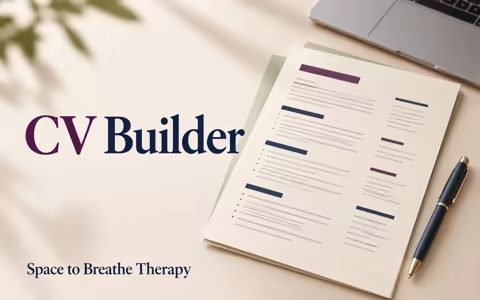
Build your CV one step at a time
You can choose options instead of writing everything from scratch. The builder turns your choices into full sentences that you can review and change.
Step 1 of 6
Contact details
Add the details an employer can use to contact you. You can leave anything blank for now.
Use an email address you check. A simple address with your name is easiest to recognise.
About me
Tap the options that sound like you. The builder will turn them into sentences for your CV. You can change the wording afterwards.
Example: “Helping people” and “patient” become “I am interested in work that involves supporting people. My strengths include being patient.”
This helps your CV say clearly what sort of work you want.
Add a few short words only if they really describe you. Your About Me sentence will include them.
You can skip this and use the choices above.
My skills
Choose the statements that fit you. You do not need to think of the “right” words; the builder will make a full sentence from your choices.
Example: “I listen carefully” and “I keep things organised” become “I can listen carefully and keep things organised.”
Work and other experience
Paid jobs, volunteering, helping in a family business, caring responsibilities, community activities and projects can all give you useful experience. Add only what you want to include. List your most recent experience first.
Example: “Welcomed people” and “answered questions” become “In this role, I welcomed people and answered questions.”
Education and training
Add school, college, training, certificates or anything you have learned. Short courses, workplace training and school projects count too. Put the most recent first; you can leave dates or details blank.
Example: “Practised communication” becomes “During this course, I practised communication.”
Review your CV
Your CV is brought together below. Go back to change any wording. Check that it matches the job you want, remove any details that are not true, and check spelling and dates. When you are ready, print it or save it as a PDF.
Want to change something?
Choose a section to edit it. Your CV preview updates as you make changes.